

Intranet analytics for SharePoint. GDPR-compliant by default.
Govanalytics measures SharePoint intranet usage without cookies or personal data. Hosted in the Netherlands, compatible with Online and On-Premises.
govanalytics measures intranet usage without cookies or personal data. Your employees stay anonymous. Your content team gets insight.
What the SharePoint Tracker measures.
Read the article
Page visits per SharePoint page. See exactly which intranet pages are read and which are not. Guide your content team based on measurement data, not assumptions.
Active intranet users. Insight into the number of active users per day, week or month, without linking to individual employees. Anonymous and aggregated.
Popular content per department. Discover which departments are most active and which news items, documents or policy pages attract the most attention.
Not just SharePoint. Govanalytics measures via a JavaScript snippet in your intranet template. Compatible with SharePoint Online, On-Premises and other platforms.

Ask your intranet data a question
Type a question in plain language and the AI interface answers immediately with a chart and table. No export, no report request, no waiting for an analyst.
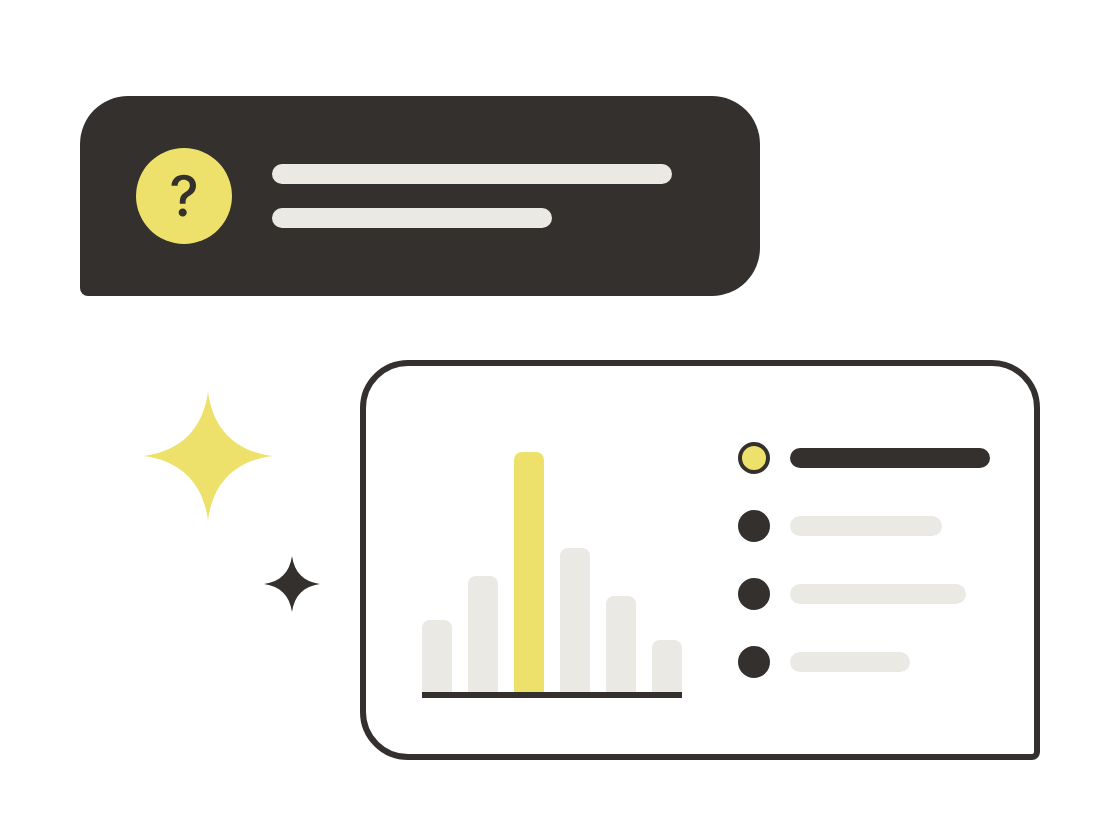
See which intranet pages work and which do not.
Page visits, active users and popular content per department, visible directly in the dashboard. No separate reporting, no waiting for a data analyst.
In detail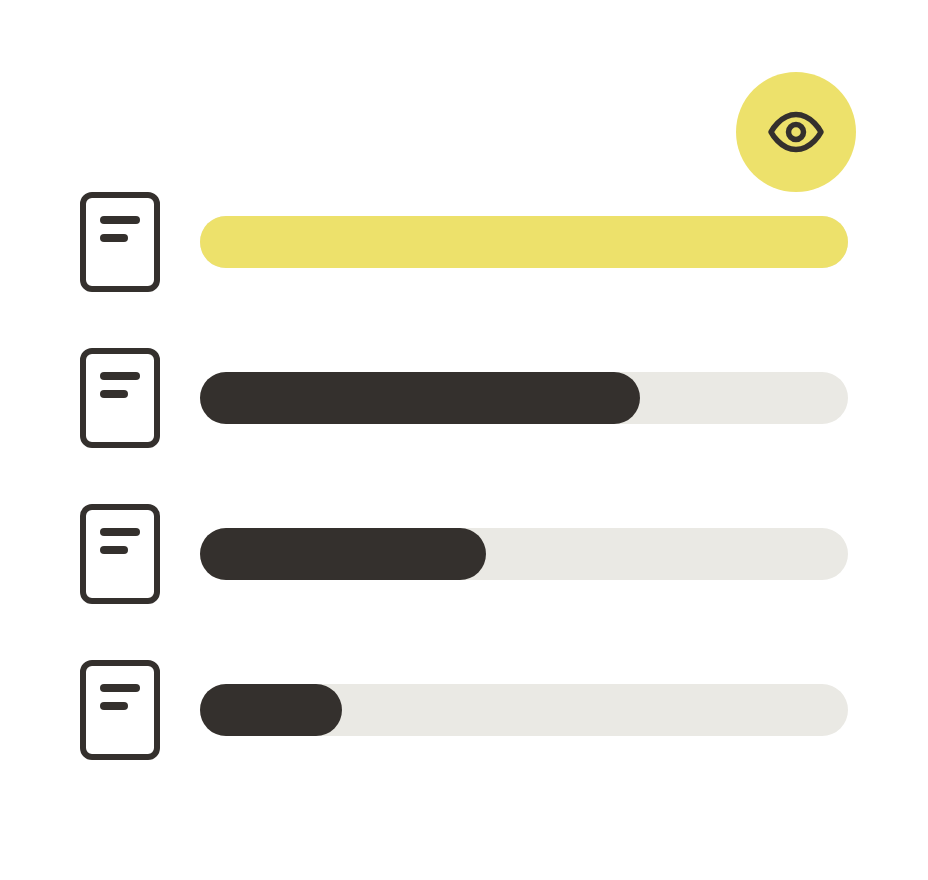
Send SharePoint data to your BI environment.
Connect the SharePoint Tracker to Power BI, Looker or Metabase via the documented data model. Your dashboards, your structure, your intranet data.
In detail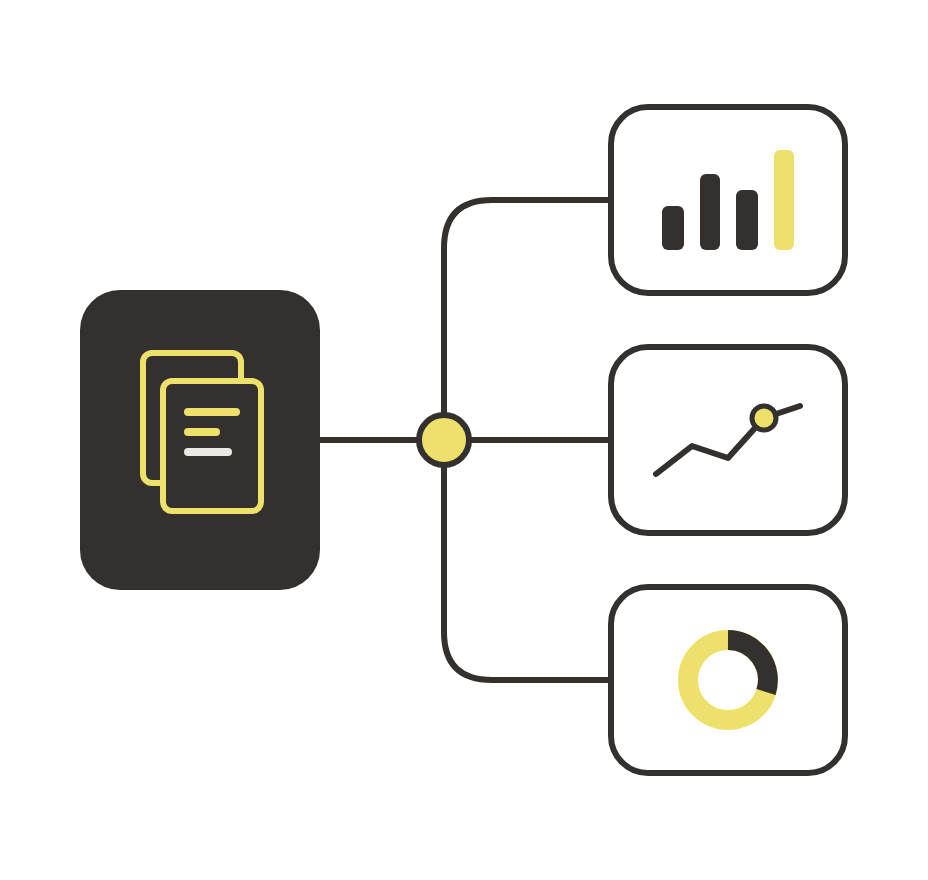
Is the SharePoint Tracker GDPR-compliant?
Yes. The SharePoint Tracker does not process personal data: no cookies are placed, no IP addresses are stored and no individual employees are tracked. All data is stored in aggregate on servers in the Netherlands, at UpCloud in Amsterdam. This makes the SharePoint Tracker GDPR-compliant by design, and your organisation does not need a consent banner or cookie notice on the intranet.
Can I report by department or target audience?
Yes. The SharePoint Tracker can read department attributes from your Active Directory or Azure AD as an aggregated dimension. This lets you see which departments a piece of content reaches, without identifying individual employees. Communications advisors and intranet managers gain insight into whether a message has reached the right audience.
How do I measure whether content is sufficiently consumed?
In addition to page visits, the SharePoint Tracker records average reading time per page and interactions such as click-throughs and scrolls. For each news item, policy document or campaign page you can see whether employees actually read the content — not just whether they opened the page. This gives communications advisors a concrete basis for evaluating the reach and effectiveness of intranet communications.
How long does implementation take?
Installing the tracking code takes one to two hours. The code can be fully deployed via PowerShell, with no manual changes required per page. Govanalytics guides the implementation on request and provides documentation so your administrator can work independently.
Does the SharePoint Tracker work with SharePoint Online and On-Premises?
Yes. Govanalytics supports both Microsoft SharePoint Online and SharePoint Subscription Edition (On-Premises). For SharePoint Online, implementation is via a JavaScript snippet or SPFx extension deployed through the SharePoint App Catalog. For On-Premises, the snippet is placed via PowerShell in the masterpage or a web part.
Which plan do you need for the SharePoint Tracker?
The SharePoint Tracker is available from the Organisation plan onwards. Intranet analytics is not included in the Start plan. See the pricing page for a full overview.
Can the SharePoint Tracker be combined with web analytics?
Yes. Govanalytics measures both your public website and your SharePoint intranet from one platform. You manage both domains in the same dashboard, with separate reports per domain. This gives you a single view of how employees use the intranet alongside how citizens or customers visit your public site.
Who owns our data, also after the contract ends?
You always and at all times remain the owner of your own data. After the contract ends you receive a full data export in a standard format. Govanalytics has no claim on your data, does not share it with third parties and never sells it.
What if our organisation doesn't use SharePoint?
Because of the way the Govanalytics platform is built, it is straightforward to add to all common enterprise intranet solutions. Tracking runs via a JavaScript snippet that your administrator places in the template of your intranet platform. Get in touch to discuss how it fits your environment.